
A Complete Platform for Managing Insurance Events
An all-in-one event platform that streamlines setup, registration, check-ins, and engagement, while equipping organizers and attendees with powerful management tools.
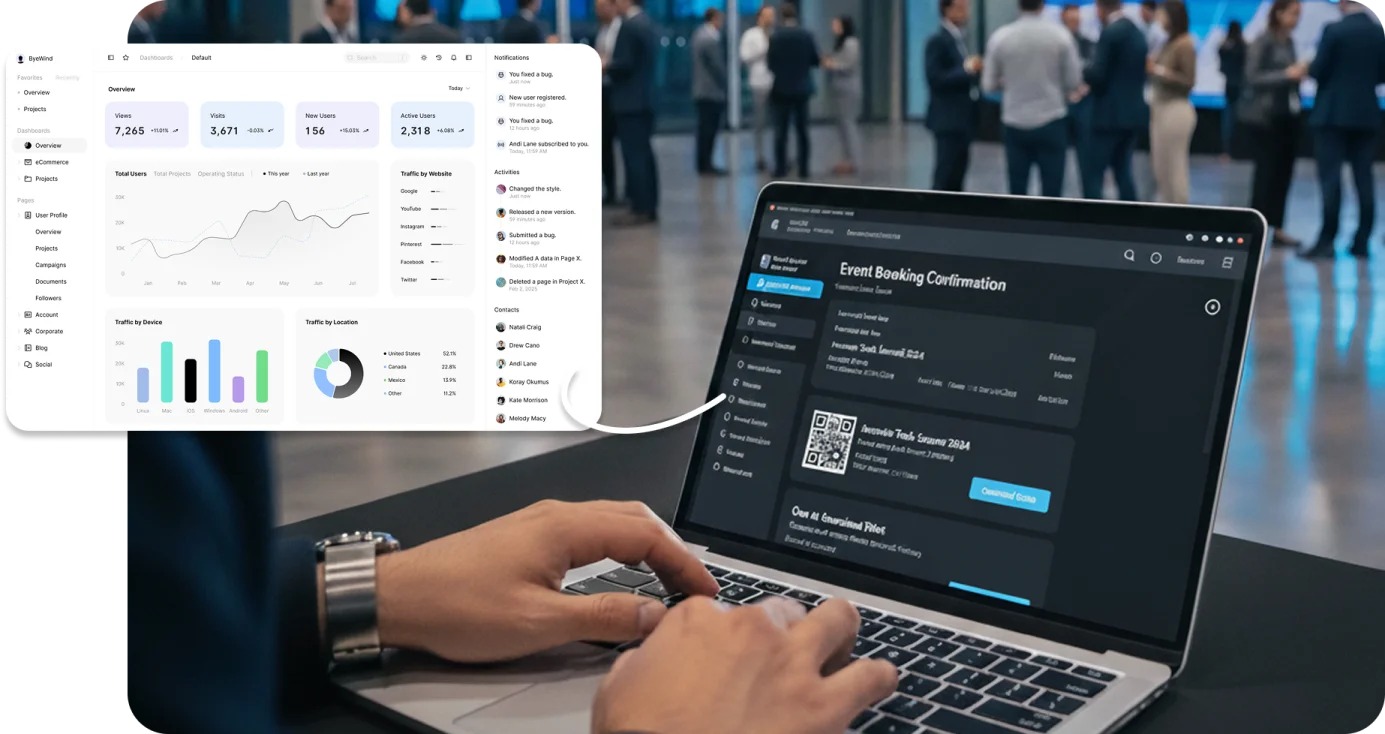
End-to-End Event Management for the Insurance Industry
A comprehensive management system for agents, vendors, carriers, and administrators to handle insurance events. It covers event setup, registration, check-ins, engagement activities, and analytics. The system enhances efficiency, elevates attendee experiences, and provides actionable insights through real-time reporting.

Challenges
Overcoming Barriers to Effective Event Management
Before implementing the new platform, insurance event organizers faced multiple operational and engagement challenges that impacted event quality, participation, and ROI.

Low Stakeholder Engagement
Attracting and engaging agents, vendors, and carriers was difficult without interactive features that resonated with industry professionals.
Operational Inefficiencies
Manual registration, check-ins, and attendee tracking slowed processes, increased errors, and added administrative burden.
Competitive Differentiation
Generic event tools lacked insurance-specific capabilities, making it harder to stand out and justify event investment.
Limited Data and Insights
Organizers lacked real-time reporting on registrations, booth activity, and demographics, making it difficult to measure success and improve future events.
Inclusivity and Accessibility
Accommodating diverse audiences, including Spanish-speaking participants, was challenging without tailored registration and reporting tools.
Balancing Costs with Impact
Delivering high-quality, feature-rich events within budget constraints required a more efficient, cost-effective management approach.
The Solution
Delivering a User-Focused, Feature-Rich Event Platform
The platform was built to engage stakeholders, simplify operations, and provide data-driven insights while addressing the unique needs of insurance-focused events.

Features
Major Features Delivered
The platform combines attendee engagement tools, operational automation, and powerful analytics to simplify event management and enhance the overall experience.

Dynamic Landing Page
Customizable homepage with sections such as Sliding Banner, Agenda, Speakers, and Sponsors, featuring interactive elements like map redirects and photo gallery previews.
Event Registration
Enables registration for public and private events with OTP verification for new users, integrated with centralized user management, and dedicated fields for diverse audiences including Spanish-speaking attendees.
QR Code-Based Check-In
Kiosk-based check-in using QR codes, allowing attendees to preview and update details before confirming. Badge printing is routed to Wi-Fi printers with real-time status updates.
Private Event Access
Grants secure access to exclusive events via unique URLs shared by administrators.
Scavenger Hunt Module
Gamified booth interaction feature where attendees scan QR codes to earn rewards (one scan per booth per day), driving participation and tracking engagement data.
Device Management Dashboard
Monitors kiosks and printers in real time, providing operational status and check-in metrics for smooth on-site performance.
Customizable Email Campaigns
Supports bulk campaigns with configurable templates, CSV-imported data, and scheduling options for targeted event communication.
Analytics and Reporting
Event dashboards with real-time metrics for registrations, badge prints, and booth visitors, along with exportable CSV/PDF reports and demographic filters.
0+
Attendees per Event
0+
Large-Scale Events Delivered
0+
Career Domains Represented
0+
Game Participants Engaged
Impact
Impact on Event Management and Engagement
The platform has reshaped insurance event operations by improving stakeholder participation, optimizing on-site processes, and delivering measurable business value.

Key Questions Answered
Clear responses to common queries about how the platform enhances event planning, execution, and attendee experience.
It is designed for agents, vendors, carriers, and administrators, with role-based access to relevant tools and event data.
Yes. Organizers can create public events for broad audiences or private events with access granted via unique URLs.
Attendees scan a QR code from their registration confirmation at a kiosk, review their details, and instantly print their badge. Status updates are reflected in the admin portal in real time.
The system provides real-time dashboards and exportable reports on registrations, booth visits, and attendee demographics, with filters for targeted analysis.
Yes. It includes tailored registration fields and reporting for Spanish-speaking attendees to ensure accessibility and engagement across all groups.
Ready to explore what this could look like for your team?
Book a MeetingExplore More Case Studies
View All Case Studies