Replacing Legacy Business Software: What Growing Companies Need to Know Before They Start

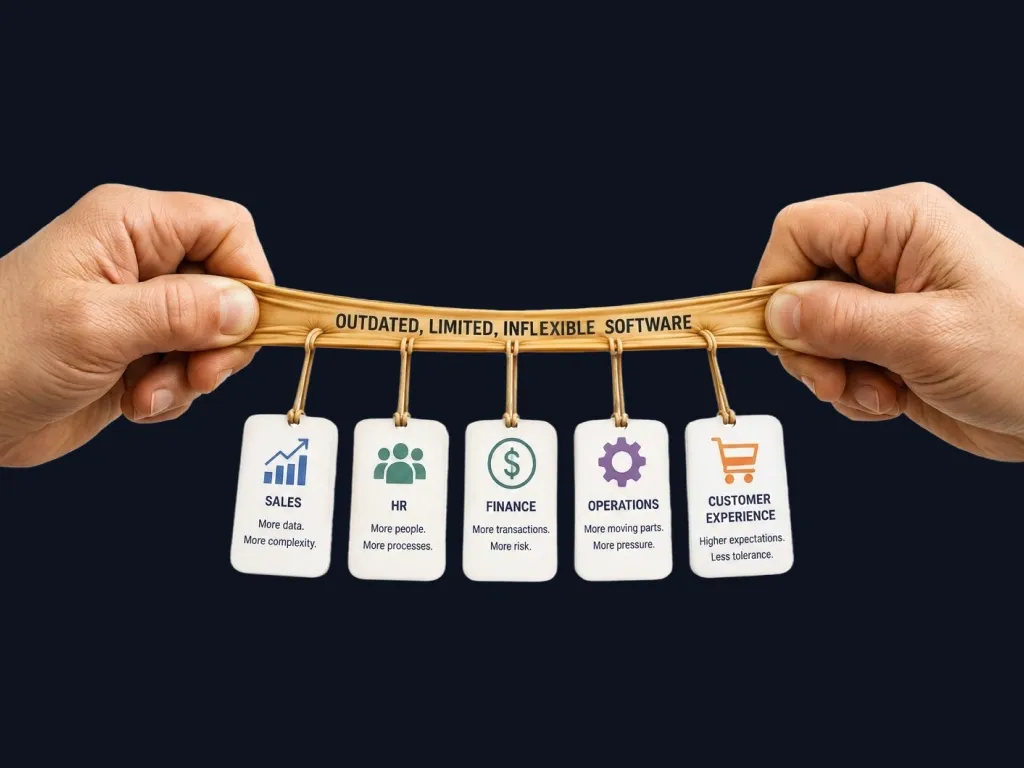
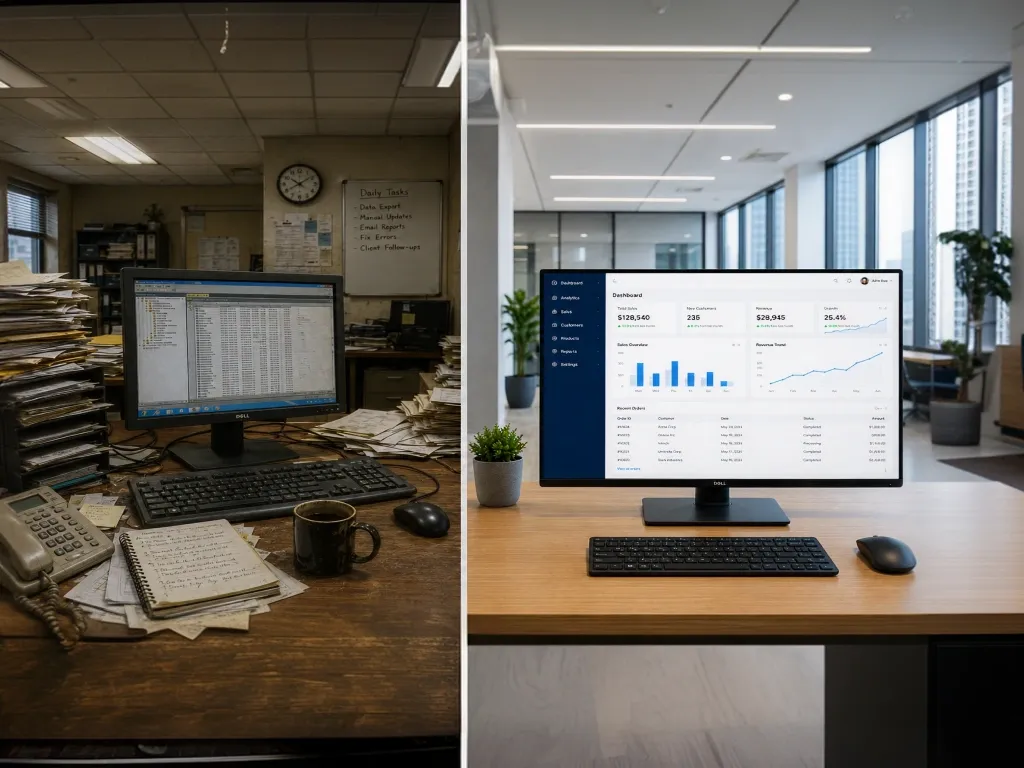
At some point, the software that once powered your business stops working with your business. Reports take longer to run. New hires spend their first weeks learning workarounds. A simple data question that should take five minutes now needs a spreadsheet, two phone calls, and a Friday afternoon.
Replacing legacy software seems like the logical answer. But replacement is where many growing companies stumble, not because the technology is wrong, but because the approach is underprepared. They underestimate dependencies, skip stakeholder alignment, or rush to go live without validating whether the new system actually solves the right problems.
This guide covers what a thoughtful legacy system replacement actually looks like, the seven steps that separate successful modernisation from a costly reset, and the common pitfalls to sidestep before you commit a single pound, dollar, or rupee.
72% of businesses that attempt a legacy system replacement without a structured plan report cost overruns, delays, or partial rollbacks.Source: Gartner / IDC, 2024. This means the preparation work is not optional. It is where outcomes are determined.
Legacy replacement is not a technology project. It is an organisational change that happens to involve technology. The companies that understand this distinction rarely look back.
Why Most Legacy Replacements Fail Before They Begin
The failure mode is almost always the same. The decision to replace a system gets made at the problem stage rather than the planning stage. Leadership experiences the pain of the old system directly, a vendor demo catches attention, and a project kicks off without a shared understanding of what success looks like.
The result is a replacement that addresses symptoms while leaving root causes intact. The new system goes live. The workarounds migrate across. Six months later, people are complaining about the new software the same way they complained about the old one.
Common mistakes that derail replacements before they start
• Defining scope by features rather than by business outcomes
• Skipping a dependency audit (integrations, data flows, manual bridges)
• Confusing a technology vendor selection with a modernisation strategy
• Underestimating the data migration effort and timeline
• Treating go-live as the end rather than the beginning of the transition
How to Know You Are Actually Ready to Replace
Before planning a replacement, it is worth asking whether the problem is the software or the processes the software was built around. Sometimes the bottleneck is a system that genuinely cannot scale. Sometimes it is a set of habits and workflows that will follow you into any new platform.
A few indicators that replacement is the right move, rather than configuration or integration work:
Signals that replacement is the right path
• Core functions require manual workarounds more than 20% of the time
• The system cannot support a business model or revenue stream you need to grow into
• Integrating with modern tools requires custom middleware that breaks regularly
• Your software vendor has end-of-lifed the version you are running
• Data quality has degraded to the point where decision-making is unreliable
• Onboarding new staff to the system takes more than two weeks
The 7 Steps of a Well-Run Legacy Modernisation
There is no shortcut to a clean replacement, but there is a sequence that consistently produces better outcomes. Here is how we approach it with clients across the UK, US, and India.
1. Operational Diagnosis Before Vendor Evaluation Map every process the current system touches. Identify manual bridges, unofficial spreadsheets, and tribal knowledge that lives outside the system. This is your true scope, not what appears on the current software's feature list. |
2. Define Outcomes, Not Features Write down what 'done' looks like in business terms: reporting takes under 30 minutes, onboarding completes in three days, data flows from sales to finance without manual export. This outcome list drives vendor evaluation and prevents scope creep. |
3. Audit Your Data Before You Migrate It Bad data migrated into a new system becomes bad data in a new system with a more expensive support contract. Deduplicate, validate, and document your data model before migration begins. Budget twice as long as you think this will take. |
4. Map Integrations and Dependencies Legacy systems accumulate silent dependencies: email tools, reporting layers, finance platforms, and manual processes that depend on data exports at specific times. Document every touchpoint before selecting a replacement. |
5. Build the Business Case With Real Numbers Quantify the current cost of staying: staff hours on workarounds, data errors, delayed decisions, integration failures. The business case for change needs to be stronger than the disruption risk of replacement. Without it, the project stalls at approval. |
6. Run a Controlled Pilot Before Full Rollout Pick one business unit, one process, or one geography. Go live with the new system, measure the outcome against your defined success criteria, and learn what breaks before it breaks everywhere. |
7. Plan for Adoption, Not Just Go-Live The biggest risk after go-live is reversion: teams defaulting back to spreadsheets, old exports, and familiar habits. Build a structured change management plan alongside the technical rollout. The system only delivers value when people use it. |
What the Business Case Actually Needs to Include
One of the most consistent gaps in modernisation projects is a business case that quantifies the aspiration but not the cost of inaction. If the case for replacement only shows what the new system can do, it will struggle to get approved alongside competing priorities.
A business case that consistently gets board-level sign-off includes:
Elements of a business case that actually gets approved
• Current cost of operational drag: staff hours on manual workarounds, quantified weekly and annually
• Revenue impact of delayed decisions or reporting failures in the last 12 months
• Risk exposure from running unsupported or end-of-life software (compliance, data, business continuity)
• Integration failure costs: engineering time, data corrections, customer impact
• Phased investment model: what is needed now versus what scales with growth
• Conservative ROI timeline: how long until net value is positive, including the transition dip
Build vs Buy: The Question Most Companies Ask Too Late
The build-versus-buy question comes up in almost every modernisation conversation. The answer depends less on the software market and more on how differentiated your processes are.
Off-the-shelf platforms work well when your core operations are broadly similar to others in your industry, and the efficiency gains from standardisation outweigh the loss of process flexibility. Custom development makes sense when your operations are the source of competitive advantage, when the available platforms require so much configuration that you are effectively building anyway, or when integration requirements are complex enough that a bespoke integration layer is unavoidable.
A third path that growing companies often overlook: hybrid architecture. A commercial platform for the commodity functions combined with purpose-built modules for the processes that differentiate you. This reduces build cost and timeline while preserving the flexibility that matters.
From the field: Luxury barge cruise operator, Europe
A luxury barge cruise operator came to us to replace an internal admin platform that had been running for 16 years. The technology case for replacement was straightforward. The real challenge was what sat inside the old system: 16 years of accumulated business logic covering booking lifecycle rules across 11 status codes, commission locking arrangements with travel agents, immutable invoice structures, offer discount snapshots, and encrypted passenger data handling.
The standard we set before development began: the new system had to produce the same financial outcomes, enforce the same booking constraints, and respect the same business rules as the old one. Not approximately. Exactly.
Every business rule was catalogued, documented, and validated in the new system before migration. No reservations were lost. No commission records were altered. The business moved to the new platform without a single financial discrepancy.
The Timeline Conversation Nobody Wants to Have
The most common source of friction between executive sponsors and implementation teams is timeline expectations. A mid-market legacy replacement done properly, with data migration, integration work, change management, and a controlled pilot, typically takes between six and eighteen months depending on the complexity of the operational footprint.
Compressing that timeline is possible, but usually at cost: either the scope narrows, the data quality work gets skipped, or the adoption work is deprioritised.
Setting a realistic timeline early, and communicating it clearly to all stakeholders, is one of the most valuable things a project sponsor can do. The projects that run into difficulty are rarely the ones that moved at the right pace. They are the ones that moved fast for the first six months and then stalled because the foundation was not solid enough to build on.
The most common thing we hear from businesses after a successful modernisation is not that the new system is impressive. It is that they wish they had started two years earlier.
Legacy Replacement Readiness: 12 Questions to Answer Before You Start
☐ Have you mapped every process the current system touches, including manual workarounds?
☐ Do you have a clear, written definition of what success looks like in business outcome terms?
☐ Has your data been audited for quality, completeness, and duplication?
☐ Have you documented all integrations, data exports, and downstream dependencies?
☐ Do you know the actual weekly cost in staff time of maintaining the current system?
☐ Has the business case been reviewed and approved at board or senior leadership level?
☐ Have you evaluated build, buy, and hybrid options with clear selection criteria?
☐ Is there a named project sponsor with authority to make scope and timeline decisions?
☐ Have you selected a pilot scope, process, or geography for initial go-live?
☐ Is there a change management plan that runs parallel to the technical rollout?
☐ Have you budgeted for the transition period when productivity temporarily dips?
☐ Do you have a delivery partner with demonstrable experience in your sector?
Take the Free Operational Technology Readiness Assessment
We offer a structured 30-minute operational technology assessment for growing businesses across the globe. In that conversation, we will help you identify where your current systems are creating friction, where your data gaps are, and whether your current setup is a foundation for growth or a barrier to it.
What the assessment covers
• Where manual effort is substituting for what your systems should do automatically
• Where your data gaps are relative to where the business is going
• Whether your current setup is ready for AI investment or needs foundational work first
• What a realistic, prioritised improvement path looks like for your specific situation
The assessment stands on its own. Book your free 30-minute review at assessment link
Midhun M
Visit LinkedInRelated Insights