How Figma’s AI-Powered Features are Reshaping UI/UX Testing Workflows

In the evolving landscape of UI/UX design, Figma has always been a go-to tool for designers seeking real-time collaboration and seamless prototyping. But with the rise of AI-powered features, Figma is transforming more than just design, it's revolutionizing how we test, validate, and optimize user experiences.
From automating repetitive tasks to intelligently predicting user behavior, Figma’s integration of artificial intelligence is reshaping testing workflows, enabling faster delivery, better usability insights, and smarter decision-making.
Why AI matters in UI/UX testing
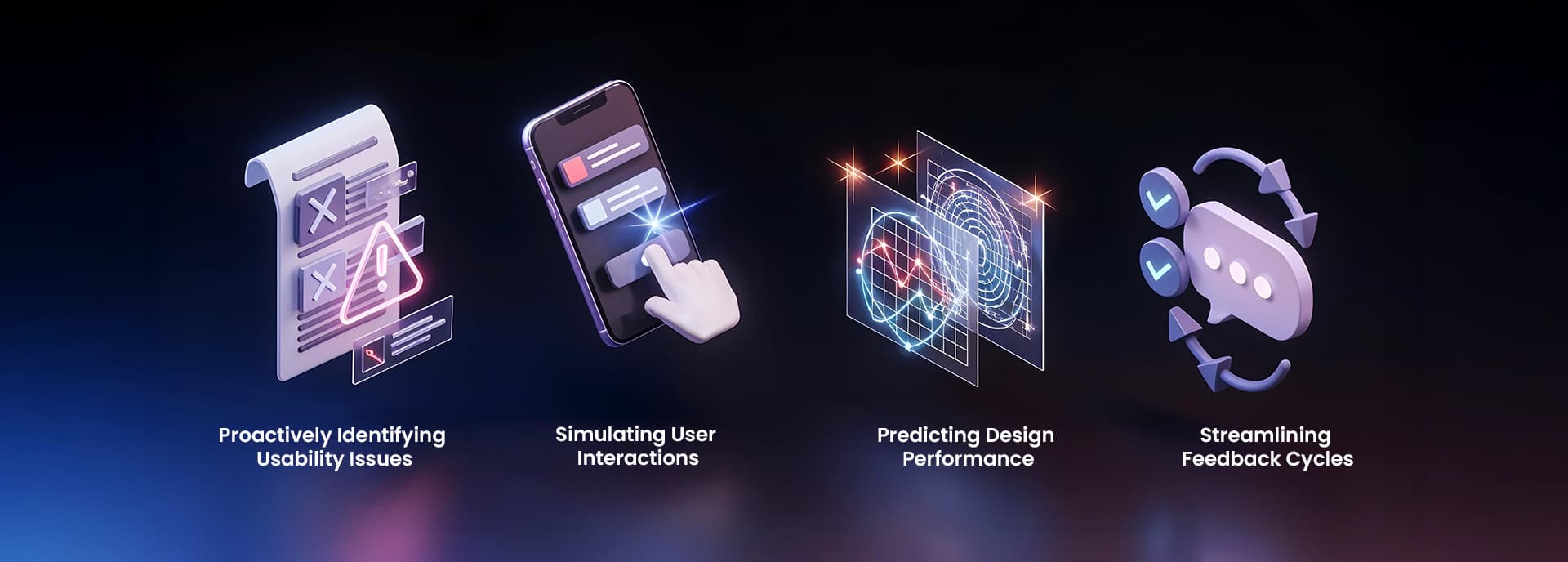
Traditionally, UI/UX testing required manual user flows, A/B testing tools, surveys, and developer handoffs. While effective, these processes are time-consuming and often reactive. AI changes the game by:
• Proactively identifying usability issues
• Simulating user interactions
• Predicting design performance
• Streamlining feedback cycles
Now let’s explore how Figma’s AI capabilities are improving these areas.
1. Automated design suggestions & fixes
Figma’s AI can analyze design patterns in real time and suggest improvements for consistency, spacing, color contrast, and accessibility. This removes guesswork and minimizes the time spent reviewing basic design hygiene.
Impact on Testing Workflow: Designs are cleaner and more test-ready from the start, reducing iterations after usability tests.
2. AI-generated prototypes and layouts
AI features in Figma can auto-generate responsive layouts and variations based on content. With plugins like Genius or Magician, designers can instantly create multiple screens from a single prompt.
Impact: Designers can test multiple concepts quickly with users, leading to faster validation and refined direction earlier in the process.
3. Predictive usability insights
By analyzing layout patterns and user data, Figma’s AI tools can predict user navigation flows and highlight potential bottlenecks or dead ends in a journey map.
Impact: This brings predictive UX testing into the design phase, helping teams fix usability issues before a single line of code is written.
4. Smart annotations and feedback
Instead of manually leaving comments or relying on stakeholder reviews, AI in Figma can now suggest annotations, point out inconsistencies, or flag designs that deviate from style guides.
Impact: The feedback loop is faster and more objective, especially for QA teams and non-design stakeholders reviewing interfaces.
5. Content generation for test scenarios
Figma’s AI can generate realistic placeholder content (text, images, user data) that mimics actual scenarios, making prototypes more testable and relatable.
Impact: Test participants engage with more authentic prototypes, which results in higher-quality feedback and reduced bias in usability tests.
6. Seamless handoff with AI documentation
Figma’s AI can assist in generating design documentation, including spacing specs, style rules, and usage notes. This makes QA and development easier during testing and iteration.
Impact: The design-to-dev handoff becomes frictionless, ensuring testing environments are consistent with the intended design.
7. Enhanced collaboration and testing plugins
AI-driven Figma plugins now integrate with popular testing tools like Maze, Useberry, and PlaybookUX. This allows for live design testing, with instant insights fed back into the Figma file.
Impact: Design and testing are now part of the same continuous feedback loop, reducing dependency on external tools.
What this means for product teams
• Faster Time to Feedback: AI removes bottlenecks in the testing pipeline.
• More Iterative Design: Quick turnarounds for changes and retests.
• Cost Savings: Less reliance on large-scale user research cycles.
• Higher Product Quality: Better designs validated earlier.
Final Thoughts
AI is not replacing designers, it's amplifying their capabilities. With Figma leading the charge, the integration of AI in UI/UX testing workflows is becoming smarter, faster, and more accurate. Teams that embrace these tools now will lead in product quality, speed to market, and user satisfaction.
Ready to revolutionize your testing process?Start exploring Figma’s AI tools and plugins to experience the future of UI/UX design.