
Migrating Your WordPress Site to Payload CMS: A Complete Guide

WordPress has long been the go-to platform for website development due to its ease of use, vast plugin ecosystem, and extensive community support. WordPress has been a dominant force in the CMS space for years, but as digital needs evolve, many developers and businesses are seeking modern alternatives. However, as modern web applications demand greater flexibility, performance, and security, many developers are turning to headless CMS solutions like Payload CMS. Payload CMS, a headless, TypeScript-based solution, is emerging as a powerful option for those looking to move away from WordPress’s monolithic architecture. Its developer-first approach, flexibility, and performance make it an excellent choice for modern web projects.
Why migrate from WordPress to Payload CMS?
Payload CMS is a powerful alternative to WordPress for developers who want more control over their content management system. Here’s why developers are increasingly choosing Payload over WordPress:
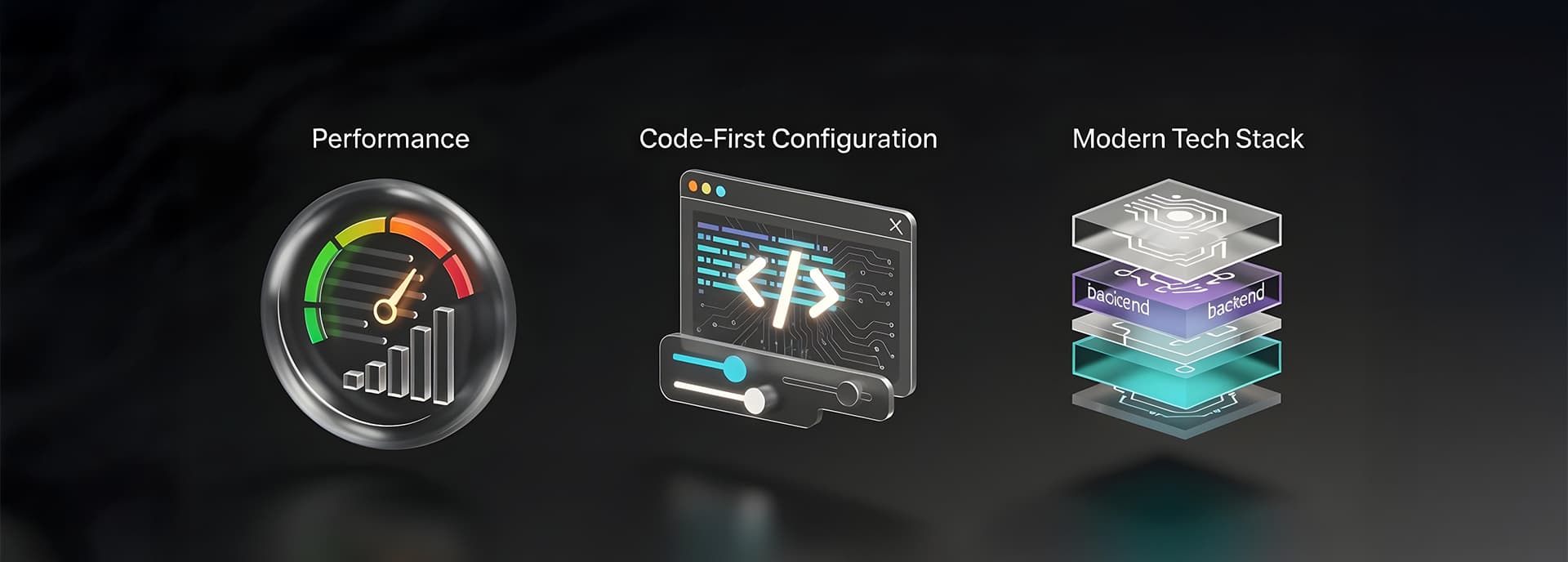
- Modern tech stack: Payload is built with TypeScript and Node.js, offering better performance and developer experience compared to PHP-based WordPress.
- Headless architecture: Decouples the backend from the frontend, allowing you to use frameworks like Next.js, React, or Vue.js.
- Code-first configuration: Unlike WordPress’s GUI-based setup, Payload lets you define content structures and configurations through code.
- Flexibility: Ideal for custom applications, APIs, and digital asset management.
- Performance: Optimized for speed and scalability with API-first content delivery.
Steps to migrate from WordPress to Payload CMS
Step 1: Set up your Payload project
1. Install Node.js and MongoDB if you haven’t already.
2. Install Payload using the following command:
npx create-payload-app@latest
3. Configure your database connection in the .env file.
4. Start the development server:
npm run dev
5. Open http://localhost:3000/admin in your browser to access the admin panel.
Step 2: Export data from WordPress
1. Navigate to Tools > Export in your WordPress dashboard.
2. Export content types such as posts, pages, media, and users as XML files.
3. Save these files locally (e.g., wp-data.xml for posts and media.xml for media).
Step 3: Migrate media
To migrate media files:
1. Save your exported media.xml file in your Payload project folder.
2. Install required dependencies:
npm install cheerio mime fast-xml-parser
3. Use a custom script (mediaMigration.js) to parse the XML file and upload media files via Payload’s API.
4. Run the script:
node mediaMigration.js
Step 4: Migrate pages
1. Create a Pages.ts collection in your Payload project under the collections directory.
2. Manually recreate static pages (e.g., Home, About) in the Payload admin panel.
3. For dynamic pages (e.g., blog posts), use a migration script (migration.js) to import data from WordPress.
Step 5: Migrate blog posts
1. Create a BlogPosts.ts collection in Payload with fields for title, content, categories, etc.
2. Use a migration script to import blog posts from your exported wp-data.xml file into Payload.
3. Run the migration script:
node migrationWrapper.js
Step 6: Rebuild your frontend
Since Payload is headless, you’ll need to rebuild your frontend using frameworks like Next.js or Vue.js:
1. Fetch data from Payload’s API using REST or GraphQL.
2. Implement dynamic routing for pages and blog posts.
3. Recreate global components like headers and footers.
Pros and cons of migrating to Payload
Pros of Payload CMS
- Modern development experience: TypeScript-based with support for modern tooling like React and Node.js.
- API-first approach: Provides a REST and GraphQL API out-of-the-box for seamless integration with front-end frameworks like React, Vue, and Next.js.
- Security: Unlike WordPress, which relies on third-party plugins (often with security vulnerabilities), Payload CMS has built-in authentication and role-based access control.
- Flexibility & performance: No reliance on a rigid theme structure, allowing developers to design highly customized applications.
- Version control-friendly: Content and configurations can be managed in a structured way, making it more developer-friendly for CI/CD workflows.
- No plugin dependency: Reduces security risks and performance issues caused by excessive use of plugins.
- Customizability: Define collections, authentication, and storage options via code.
Cons of Payload CMS
- No Traditional GUI for Non-Developers: Unlike WordPress, which provides an intuitive admin panel, Payload CMS is more geared toward developers.
- Limited Plugin Ecosystem: WordPress has thousands of plugins, while Payload CMS requires custom development for added features.
- Database Migration Complexity: Moving from MySQL (WordPress) to MongoDB (Payload) requires careful data transformation.
- Learning Curve: Developers familiar with WordPress may need time to adapt to Payload’s code-first approach.
- Manual Effort: Migrating static pages or custom fields may require manual intervention or custom scripts.
- Frontend Rebuild Required: Unlike WordPress’s all-in-one solution, you must build a new frontend for your site.
Conclusion
Migrating from WordPress to Payload CMS offers numerous advantages, especially for developers looking for flexibility, security, and performance. While the transition requires effort—particularly in data migration and frontend development—the long-term benefits make it a worthy investment.
Are you interested in creating/changing your website to a lightweight, optimized, and modern website? Let’s talk